
Asan Karobar Loan Apply Online 2026 — Step-by-Step Guide (acag.punjab.gov.pk)
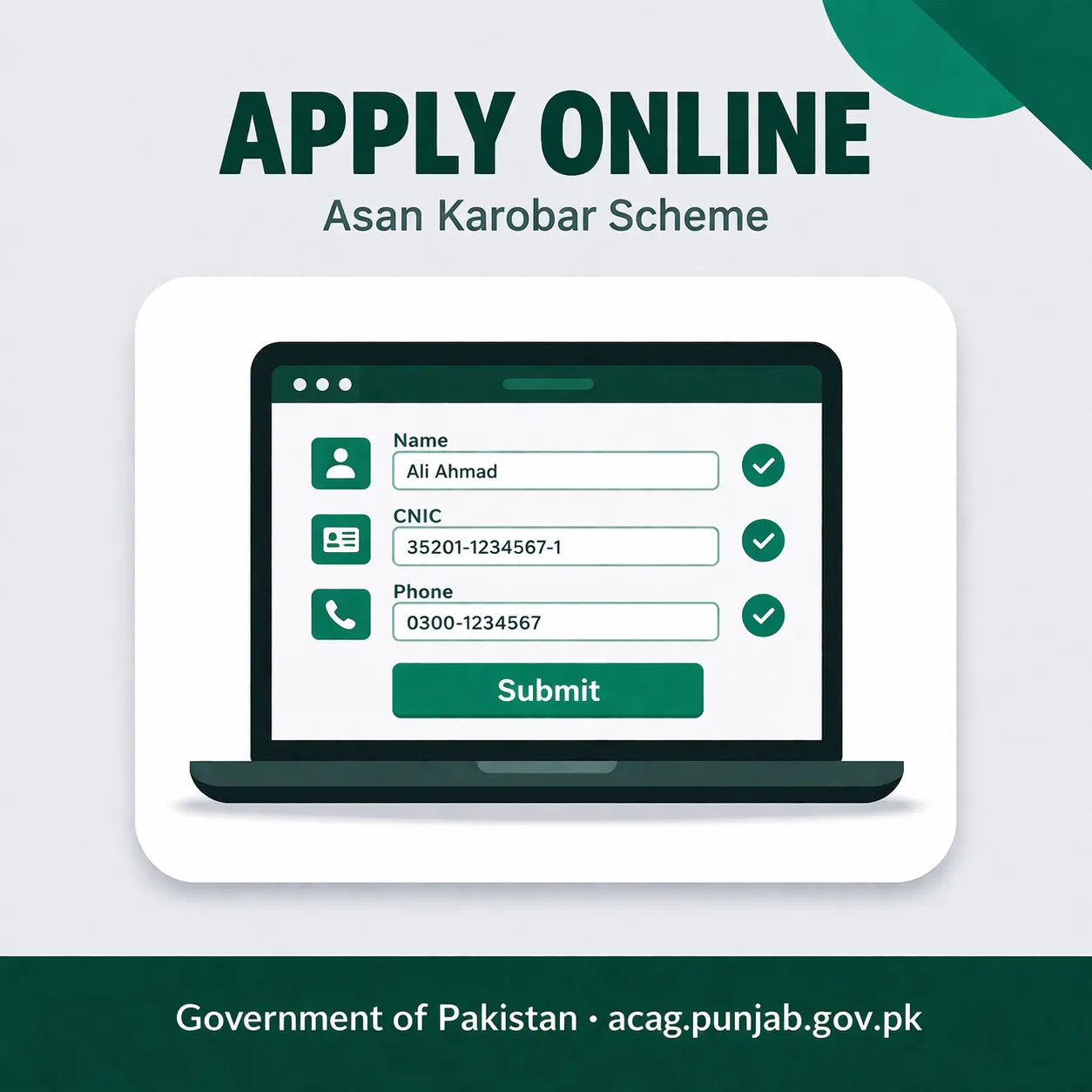
You can apply for the CM Punjab Asan Karobar Finance Scheme online at the official portal acag.punjab.gov.pk. The process starts with creating an account using your CNIC, uploading your documents, and completing the business details form. Once submitted, your application goes to an initial review, after which eligible applicants are called for a bank interview at one of the designated partner banks across Punjab. This guide walks you through every step of the online application from start to finish.
What Is the Asan Karobar Finance Scheme
The CM Punjab Asan Karobar Finance Scheme provides interest-free business loans ranging from Rs. 100,000 to Rs. 1 million to small and micro business owners across Punjab, with no collateral required on smaller tiers. It is managed by the Punjab government through the acag.punjab.gov.pk portal and disbursed through designated partner banks. For complete scheme details, eligibility criteria, and loan tiers, see the CM Punjab Asan Karobar Scheme — Complete Guide 2026.
Who Can Apply — Eligibility at a Glance
Before you open the portal, confirm you meet the basic eligibility rules. Applying without meeting these criteria wastes your time and uses up your application attempt.
According to the official CM Punjab Asan Karobar Finance Scheme portal at acag.punjab.gov.pk, the eligibility requirements are:
- Pakistani citizen with a valid CNIC
- Age between 21 and 57 years
- Resident of Punjab province (CNIC address must reflect Punjab domicile)
- Existing small business owner or someone starting a new business
- No active loan default on any bank or microfinance record
- CNIC must not be blocked or expired
A tax filer status is not required for smaller loan tiers under Rs. 500,000. For loans above Rs. 500,000, being a tax filer gives your application stronger scoring at the review stage, according to Punjab government scheme guidelines published on acag.punjab.gov.pk.
Documents You Need Before Starting the Application
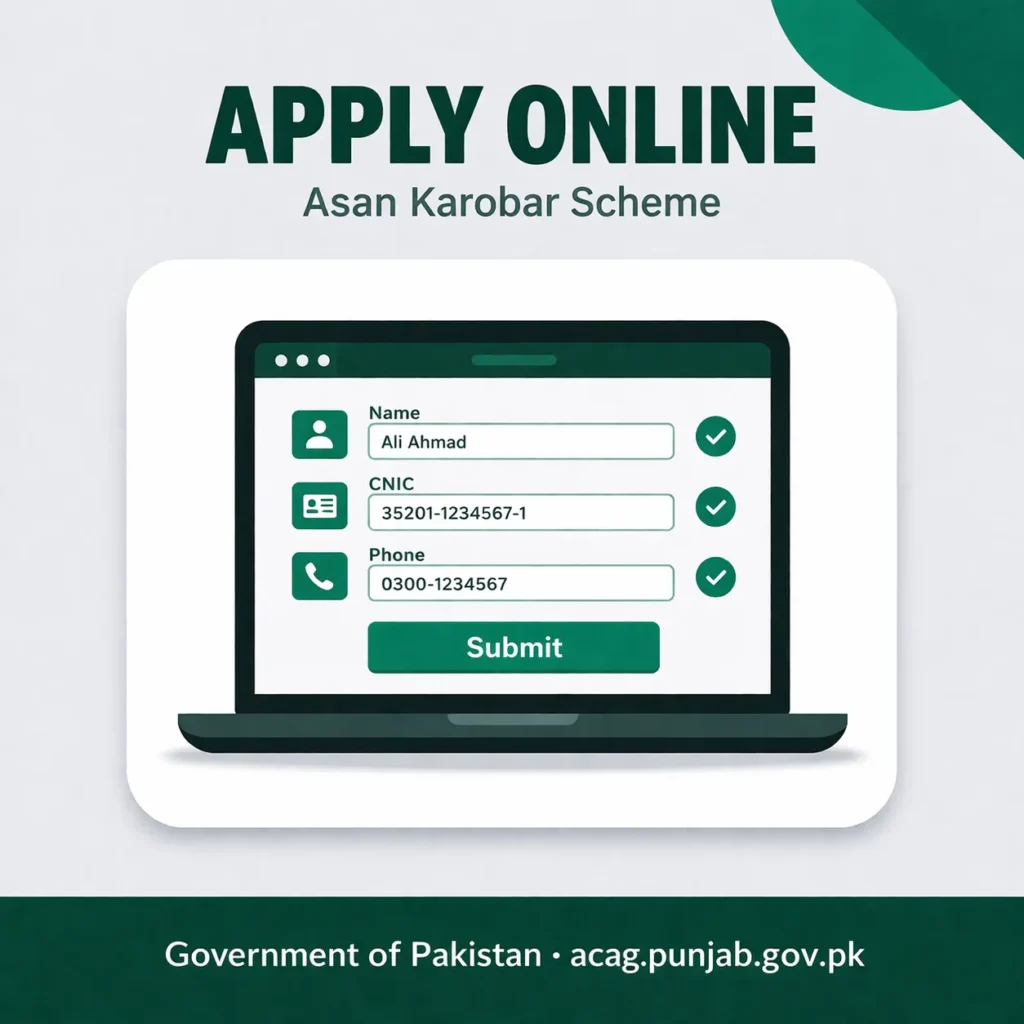
Gather all documents before opening the portal. Incomplete uploads are the single most common reason applications get stuck or rejected at the initial review stage.
Required for every applicant:
- Original CNIC — front and back scan or clear photograph (JPG or PDF, under 2MB per file)
- One recent passport-size photograph (JPG, under 1MB)
- Proof of business — any one of the following: business registration certificate, utility bill in the business name, shop rent agreement, or market committee receipt
- Active mobile number registered on your own CNIC (this receives the OTP during registration)
- Bank account number — an existing account in any scheduled bank under your own CNIC name
Required for existing business owners:
- Bank statement of your business or personal account — last 6 months (PDF, under 5MB)
- Any evidence of business activity — sales receipts, purchase invoices, supplier bills, or customer records
Required for new business applicants:
- A brief business plan — this does not need to be formal. A one-page description of what business you want to start, estimated monthly sales, and how you will repay the loan is acceptable at the online stage. A more detailed plan is requested at the bank interview stage.
File format rules on the portal:
- Accepted formats: JPG, PNG, PDF
- Maximum file size per document: 2MB for images, 5MB for PDFs
- File names should be simple — avoid special characters or Urdu text in file names before uploading
In practice, many applicants in smaller cities and towns find it helpful to visit a nearby SMEDA office or the nearest Bank of Punjab branch before submitting. SMEDA staff at district offices help applicants prepare their document set and review the business description before portal submission — this noticeably improves the quality of applications that reach the bank review stage.
How to Apply for Asan Karobar Loan Online — Step by Step
Step 1 — Open the Official Portal
Open your browser and go to acag.punjab.gov.pk. This is the only official application portal for the CM Punjab Asan Karobar Finance Scheme. Do not apply through any other website — there are no third-party application channels for this scheme.
The portal works on both desktop browsers and mobile browsers. On mobile, use Chrome or the default browser on your Android phone. Avoid applying over a very slow connection — the document upload steps require a stable data connection.
Step 2 — Create Your Account
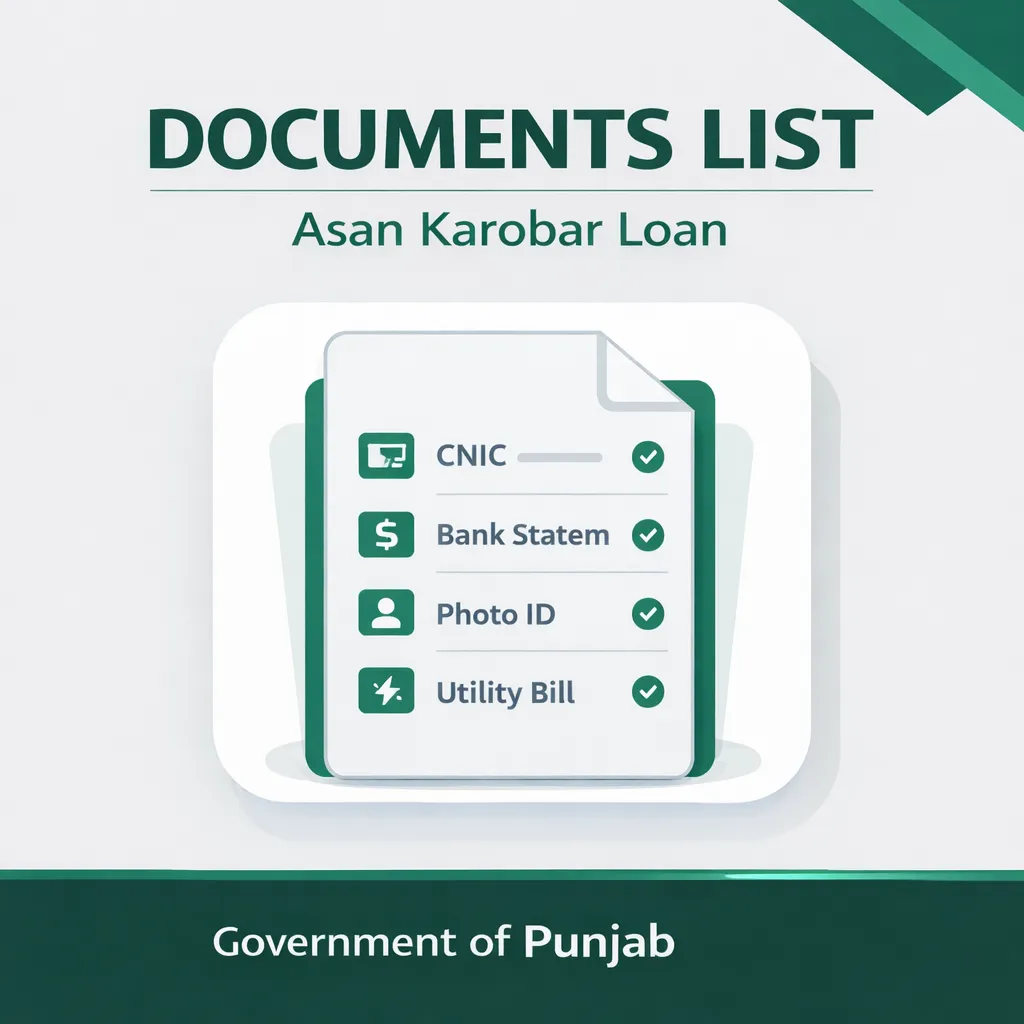
On the portal homepage, click “Register” or “New Application.” You will see a registration form asking for:
- Your CNIC number (13 digits, no dashes)
- Your registered mobile number (must match the number linked to your CNIC on NADRA records)
- A password of your choice
Enter your CNIC and mobile number. Click “Send OTP.” You will receive a 6-digit code by SMS on your mobile within 60 seconds. Enter the OTP in the field provided and click “Verify.”
Once verified, your account is created. You are now logged into your applicant dashboard. Do not share your password or OTP with anyone — the Punjab government and bank staff will never ask for these.
Step 3 — Start a New Application
Inside your dashboard, click “Apply Now” or “New Loan Application.” The portal will open the application form. The form is divided into sections — personal information, business information, loan details, and document upload. Complete each section in order.
Step 4 — Fill in Personal Information
This section pulls some information automatically from your CNIC number. Confirm the following fields are correct:
- Full name as on CNIC
- Father’s name
- CNIC number
- Date of birth
- CNIC expiry date
- Permanent address (must be a Punjab address)
- Current mobile number
If any detail is wrong at this stage, it means your CNIC information needs to be updated at NADRA before you can proceed. A mismatch between your entered details and NADRA records will cause your application to fail verification.
Step 5 — Fill in Business Information
This section asks about your business. Fill in the following:
- Business type — select from the dropdown: Retail, Manufacturing, Services, Agriculture-linked, or Other
- Business name — if your business has a registered name, use that. If not, you can write a description such as “General Store” or “Mobile Repair Shop”
- Business address — the district and tehsil where the business operates
- Business status — select either “Existing Business” or “New Business”
- Monthly revenue estimate — for existing businesses, enter your approximate monthly sales or income. For new businesses, enter your projected monthly revenue once operating
- Number of employees — enter the current number, including yourself. For solo businesses, enter 1
- Years in operation — for existing businesses. For new businesses, select 0
Write your business description clearly. The reviewer at the initial screening stage reads this section first. A vague description like “doing karobar” gives the reviewer nothing to work with. A clear description like “Running a general store in Gujranwala selling grocery and household items for 3 years, average monthly sales Rs. 80,000” gives the reviewer a complete picture immediately.
Step 6 — Select Your Loan Amount
The portal will ask you to select your requested loan amount. The Asan Karobar Finance Scheme offers the following tiers, according to the official scheme details published at acag.punjab.gov.pk:
| Loan Tier | Amount | Markup Rate | Repayment Period |
| Tier 1 | Up to Rs. 500,000 | 0% (interest-free) | Up to 3 years |
| Tier 2 | Rs. 500,001 to Rs. 1,000,000 | 0% (interest-free) | Up to 5 years |
Select the loan tier that matches your actual business need. Do not request the maximum amount if your business plan does not justify it — applications where the requested amount does not match the business description are more likely to be flagged at review.
The portal will also ask for your preferred repayment period. Select the period that matches your realistic monthly cash flow. A longer repayment period means smaller monthly installments.
Step 7 — Upload Your Documents
The portal will now ask you to upload your documents one by one. Each document has its own upload field with a label. Upload the correct file to the correct field.
Upload in this order:
- CNIC Front — upload the front face of your CNIC
- CNIC Back — upload the back face of your CNIC
- Passport Photo — upload your recent photograph
- Business Proof — upload whichever business document you have (registration certificate, utility bill in business name, rent agreement, or market receipt)
- Bank Statement — upload your 6-month bank statement PDF (existing business applicants)
- Business Plan — upload your one-page business description (new business applicants; existing business applicants may also upload this)
After each upload, wait for the green tick or “Upload Successful” confirmation before moving to the next file. If a file fails to upload, check the file size and format, then try again. Do not click the back button during an upload — this can corrupt the upload and require you to restart that section.
Step 8 — Review and Submit
Before submitting, the portal will show you a summary of your entire application — personal details, business details, loan amount selected, and documents uploaded. Review every field carefully.
Check specifically:
- CNIC number has no typos
- Mobile number is correct and active
- Business address district matches your actual business location
- All document uploads show green confirmation ticks
- Requested loan amount matches the tier you selected
Once you confirm everything is correct, click “Submit Application.” The portal will generate a unique Application Reference Number. Write this number down immediately or take a screenshot. You will need this number to check your application status and for any future communication with the bank or scheme helpline.
You will also receive an SMS on your registered mobile confirming your application submission and your reference number.
Step 9 — What Happens After Submission
After you submit, your application enters the initial review queue. The Punjab government’s Asan Karobar Finance Scheme team conducts a preliminary check on your documents and eligibility within 7 to 15 working days, according to the scheme processing guidelines on acag.punjab.gov.pk.
There are three possible outcomes at this stage:
Approved for bank interview — You receive an SMS telling you to visit a designated partner bank branch for a formal interview and business assessment. The SMS will name the specific bank branch and give you a date or a date range to visit.
Documents incomplete — You receive an SMS asking you to log back into the portal and re-upload a specific document or correct a specific piece of information. Log in, go to your application, and complete the requested correction. Your application then re-enters the review queue.
Not eligible — You receive an SMS stating your application did not pass the initial eligibility check. The message will state the reason. Common reasons include CNIC address outside Punjab, CNIC mismatch with NADRA data, or an active loan default on record.
How to Check Your Application Status
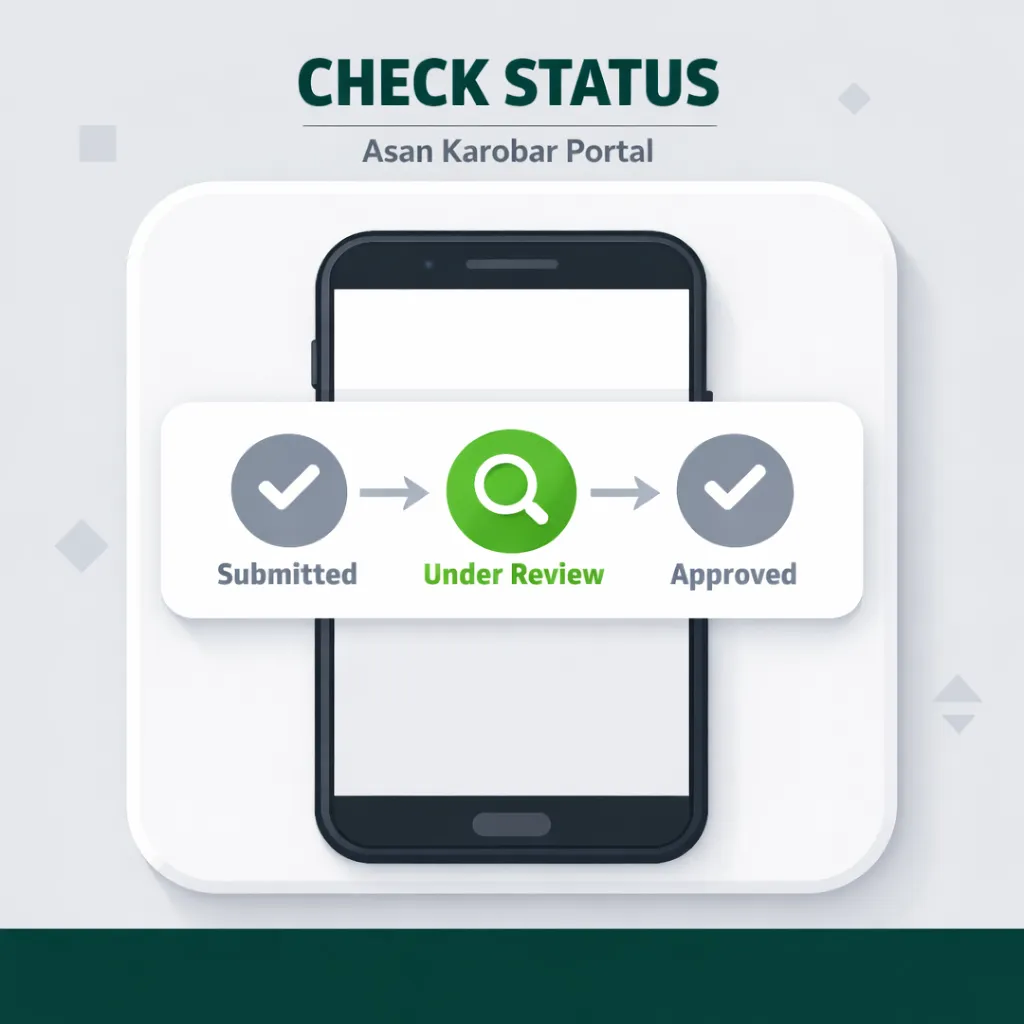
Log in to your account at acag.punjab.gov.pk using your CNIC and password. Go to “My Applications” on your dashboard. Your current application status will show as one of the following:
- Submitted — application received, pending initial review
- Under Review — currently being assessed by the scheme team
- Documents Required — action needed from you — log in and check the notification
- Shortlisted — passed initial review, bank interview invitation coming
- Referred to Bank — your file has been sent to the partner bank
- Approved — loan approved, disbursement process starting
- Rejected — application did not pass — reason stated in your dashboard notification
Check your status every 5 to 7 days. Do not submit multiple applications using the same CNIC — the system flags duplicate applications and this can result in all applications from that CNIC being disqualified.
What to Do If Something Goes Wrong
Portal Is Not Loading or Gives an Error
The acag.punjab.gov.pk portal occasionally experiences high traffic during new batch openings. If the page does not load, try again after 30 minutes. Clear your browser cache first — on Chrome mobile, go to Settings → Privacy → Clear Browsing Data. If the portal is down for more than 24 hours, call the Asan Karobar helpline at 0800-02345 (toll-free, Monday to Saturday, 9am to 5pm).
OTP Not Received During Registration
Wait 60 seconds before requesting a new OTP. If the OTP still does not arrive, confirm your mobile number is active and has network signal. The OTP is sent via SMS — it will not arrive on WhatsApp or any other app. If your number is not registered against your CNIC at NADRA, the OTP system will reject it. In this case, visit your nearest NADRA office to update your mobile number on your CNIC record before attempting the application again.
Documents Failing to Upload
Reduce the file size before uploading. For photos, use a free compression app such as Compress Image (available on Android). For PDFs, use iLovePDF (ilovepdf.com) to compress your bank statement below 5MB. Rename the file using only English letters and numbers — for example, “cnic-front.jpg” instead of any Urdu or special character filename.
Application Status Stuck on “Submitted” for More Than 20 Working Days
Log in to your portal dashboard and check whether there is a notification requesting additional documents. If no notification is present and the status has not moved in more than 20 working days, call the helpline at 0800-02345 and provide your Application Reference Number. The helpline team can check the status of your specific application and escalate if it is genuinely stuck in the queue.
Application Rejected — What to Do
Read the rejection reason in your portal dashboard notification carefully. The three most common rejection reasons are:
CNIC address outside Punjab — Your CNIC permanent address must show a Punjab address. If you have recently moved to Punjab but your CNIC still shows another province, you must update your CNIC address at NADRA before applying. This takes 15 to 30 days. Once updated, you can reapply in the next available batch.
Active loan default — If you have an outstanding loan default with any scheduled bank or microfinance institution, your application will not pass the ECIB (Electronic Credit Information Bureau) check. Contact the relevant lender to resolve or regularise the default, then reapply. The State Bank of Pakistan’s ECIB helpline at 021-111-727-111 can provide guidance on how to check and dispute your credit record.
Business plan does not match loan amount — The reviewer found that your requested loan amount was not supported by your business description. Log in and submit a revised application in the next batch with a clearer, more detailed business description that matches your requested amount realistically.
There is currently no formal appeal process for rejected Asan Karobar online applications — applicants are advised to correct the stated issue and reapply in the next batch, according to Punjab government scheme guidelines on acag.punjab.gov.pk.
Filing a Formal Complaint
If you believe your application was rejected or delayed incorrectly, you can file a formal complaint through:
- Asan Karobar Helpline: 0800-02345 (toll-free)
- Punjab Chief Minister’s Delivery Unit portal: cm.punjab.gov.pk (complaint section)
- Visit in person: Your nearest Bank of Punjab district branch, which handles Asan Karobar scheme queries at the branch level
What Happens at the Bank Interview Stage
Once your application is shortlisted, you will receive an SMS directing you to visit a specific partner bank branch. Bring the following originals to the bank interview:
- Original CNIC
- Original documents you uploaded (business proof, bank statements)
- Any additional documents the SMS specifies
- Your Application Reference Number
The bank officer will conduct a short interview about your business — what you do, how long you have been operating, your monthly income, and how you plan to use and repay the loan. For new businesses, the officer will review your business plan in more detail.
After the interview, the bank submits its assessment to the scheme team. Final loan approval and disbursement takes an average of 15 to 30 working days from the interview date, according to scheme processing timelines published on acag.punjab.gov.pk. Approved loans are disbursed directly into your nominated bank account.
Start Your Application at acag.punjab.gov.pk
Go to acag.punjab.gov.pk, register with your CNIC and active mobile number, and complete the application form with your business details and uploaded documents. The full process takes 20 to 40 minutes if your documents are ready. For complete scheme information — loan tiers, full eligibility rules, and the list of partner banks — read the CM Punjab Asan Karobar Scheme — Complete Guide 2026.
Frequently Asked Questions
Can I apply for the Asan Karobar loan on my mobile phone?
Yes, the acag.punjab.gov.pk portal works on mobile browsers. Use Chrome or your default Android browser. Make sure your internet connection is stable during the document upload steps — a dropped connection during upload can cause files to fail. If you find the mobile experience difficult, any internet café or SMEDA district office can help you complete the application on a desktop.
What is the loan amount available under the Asan Karobar Finance Scheme?
The scheme offers interest-free loans from Rs. 100,000 up to Rs. 1,000,000, divided into two tiers. Tier 1 covers up to Rs. 500,000 with a repayment period of up to 3 years. Tier 2 covers Rs. 500,001 to Rs. 1,000,000 with a repayment period of up to 5 years. Both tiers carry a 0% markup rate, according to the official Asan Karobar scheme portal at acag.punjab.gov.pk.
How long does the Asan Karobar online application process take from submission to disbursement?
From submission to final loan disbursement, the full process typically takes 45 to 75 working days. Initial review takes 7 to 15 working days. Bank interview and final assessment takes a further 15 to 30 working days. Disbursement into your bank account follows final approval. These timelines are based on published scheme processing guidelines at acag.punjab.gov.pk and may vary during high-volume batch periods.
My Asan Karobar application was rejected. Can I apply again?
Yes, you can reapply in the next available batch after correcting the reason for rejection. The rejection reason is shown in your portal dashboard notification. The most common rejection reasons are a CNIC address outside Punjab, an active loan default on record, or a mismatch between the requested loan amount and the business description. Address the specific reason stated before reapplying.
Do I need a registered business to apply for the Asan Karobar loan online?
Formal business registration is not required for smaller loan tiers. You can provide alternative proof of business activity such as a utility bill in the business name, a shop rent agreement, or a market committee receipt. For new businesses with no existing documentation, a clear one-page business plan describing what you intend to start is accepted at the online application stage.
What if I forget my portal password?
On the acag.punjab.gov.pk login page, click “Forgot Password.” Enter your CNIC number and your registered mobile number. An OTP will be sent to your mobile. Enter the OTP and create a new password. If your registered mobile number is no longer active, call the helpline at 0800-02345 for account recovery assistance.
Is there a deadline to apply for the current Asan Karobar batch?
Application batches open and close periodically based on Punjab government announcements. The portal will display a notice when a batch is open or closed. Check acag.punjab.gov.pk directly for the current batch status. For the latest batch opening announcements, the CM Punjab Asan Karobar Scheme — Complete Guide 2026 is updated as new official information is released.